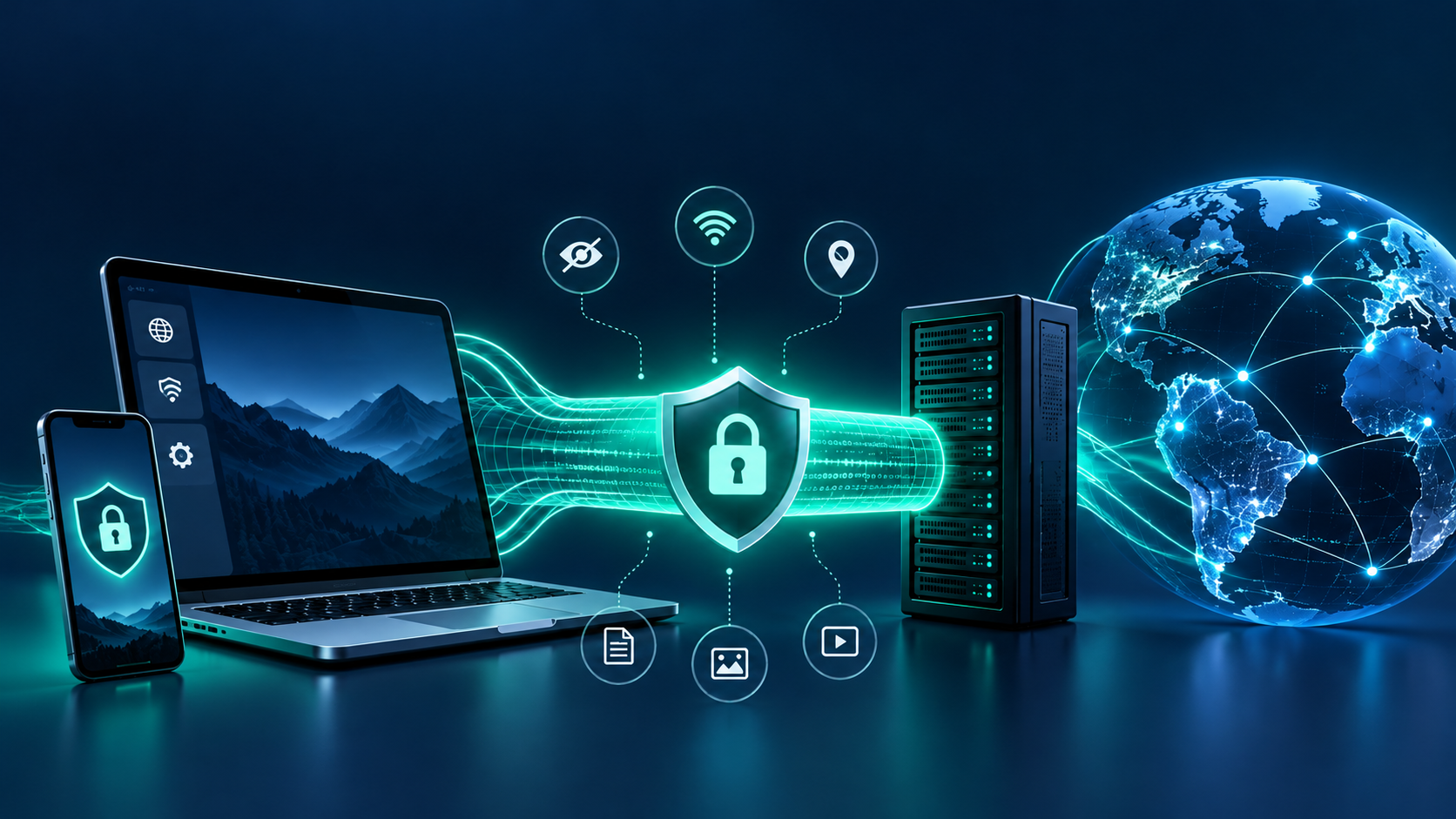
Cyber threats are becoming more sophisticated as technology continues to change how people communicate, work, shop, and manage information online. Cybercriminals are no longer relying only on obvious scam emails or simple malware. They increasingly exploit trusted services, stolen credentials, automated tools, and human behavior to gain access to accounts, networks, and sensitive data.
The rise of artificial intelligence (AI), cloud computing, connected devices, and remote work has created new opportunities for businesses and individuals—but it has also expanded the potential attack surface.
Understanding how cyber threats are evolving is an important first step toward improving online security. By recognizing common attack methods and adopting practical security habits, you can reduce your exposure to digital risks and make more informed decisions about protecting your information.
1. Artificial Intelligence Is Changing Cybercrime
Artificial intelligence is transforming many legitimate industries, but cybercriminals can also misuse it to make attacks more convincing and efficient.
Traditional phishing emails often contained spelling mistakes, awkward wording, or suspicious formatting. AI tools can help attackers produce polished, personalized messages that imitate the tone of colleagues, service providers, or familiar brands.
AI can also support the creation of fake images, cloned voices, and manipulated videos. In a social engineering attack, someone might receive a voice message that appears to come from a manager requesting an urgent payment or confidential information.
How to protect yourself:
- Verify unusual payment requests through a separate, trusted communication channel.
- Be cautious of urgent messages asking for passwords, verification codes, or sensitive information.
- Avoid trusting a message solely because it sounds professional or appears to come from someone you know.
- Use multifactor authentication (MFA) to make compromised passwords less useful to attackers.
AI does not make every attack undetectable, but it can make fraudulent communication harder to recognize.
2. Phishing Is Becoming More Targeted
Phishing remains a common way to steal credentials and personal information. Instead of sending generic messages to large numbers of people, attackers may tailor their messages to specific employees, customers, or organizations.
These targeted attacks are often called spear phishing. An attacker might impersonate a supplier and send an email about an invoice, imitate a cloud service’s security notification, or create a fake login page that closely resembles a legitimate website.
Attackers may also use text messages, phone calls, social media, and messaging applications. This broader approach is often described as social engineering.
How to protect yourself:
- Check the sender’s actual email address and the destination of links before opening them.
- Visit important services through saved bookmarks or by entering the official address yourself.
- Never share one-time passcodes with someone who contacts you unexpectedly.
- Report suspicious messages to your organization’s security team or the relevant service provider.
Remember that familiar logos and professional language do not prove that a message is legitimate.
3. Ransomware Attacks Are Increasingly Complex
Ransomware is malicious software that prevents access to files or systems, often by encrypting data and demanding payment. Some attackers also steal information before encrypting systems, threatening to publish the data if their demands are not met.
This approach creates additional pressure because organizations may face both operational disruption and the risk of data exposure. Businesses that depend on digital systems can experience downtime, recovery expenses, reputational damage, and potential regulatory consequences.
Ransomware incidents can begin with stolen credentials, vulnerable internet-facing systems, malicious attachments, or compromised remote access.
How to protect yourself or your business:
- Maintain regular backups and keep at least one backup isolated from ordinary network access.
- Install security updates promptly.
- Use MFA for important accounts and remote access.
- Restrict administrative permissions and disable accounts that are no longer needed.
- Prepare and test an incident-response and recovery plan.
Backups are particularly valuable when they are protected from the same attack that affects the primary systems.
4. Stolen Credentials Create New Opportunities for Attackers
Cybercriminals do not always need to break through sophisticated security controls. Sometimes, they simply log in with a legitimate username and password obtained through phishing, malware, data breaches, or password reuse.
Once inside an account, attackers may access private information, send fraudulent messages, change account settings, or attempt to reach other systems. Compromised business accounts can also be used to impersonate employees and request payments.
How to reduce account-related risks:
- Use a unique, strong password for every important account.
- Store passwords in a reputable password manager.
- Enable MFA, preferably using passkeys or phishing-resistant authentication where supported.
- Review account sign-in activity and security notifications.
- Change compromised passwords promptly and revoke suspicious sessions.
Credential security matters because one reused password can connect an otherwise unrelated data breach to other accounts.
5. Cloud Services and Connected Devices Expand the Attack Surface
Cloud platforms, smart devices, online collaboration tools, and remote-access systems have become essential parts of modern life. However, poorly configured services and devices can expose sensitive information or provide attackers with an entry point.
Examples include publicly accessible storage, default device passwords, outdated routers, excessive account permissions, and cloud accounts without adequate access controls.
The problem is not that cloud services or connected devices are inherently unsafe. Risk often comes from weak configuration, insufficient monitoring, outdated software, or unclear responsibility for security.
Practical steps to take:
- Change default passwords on routers and connected devices.
- Update device firmware and operating systems regularly.
- Disable services and remote-access features you do not use.
- Review cloud sharing permissions and remove unnecessary access.
- Secure websites with valid TLS certificates and review important security settings.
Website owners should also pay attention to security headers, DNS configuration, and access permissions. These checks can reveal potential issues, although no single check provides a complete security assessment.
6. Supply Chain Attacks Can Affect Trusted Organizations
A supply chain attack targets an organization’s relationships with software vendors, service providers, contractors, or other trusted partners. Instead of attacking the intended target directly, criminals compromise a third party or exploit a weakness in a shared product or service.
For example, a compromised software update or stolen vendor account may expose multiple organizations. Smaller businesses can also become indirect targets when they provide services to larger companies.
These attacks highlight why security cannot be evaluated only by looking at an organization’s own systems.
Ways to reduce supply chain risk:
- Review the security practices of important vendors.
- Limit third-party access to only what is necessary.
- Keep software dependencies and applications updated.
- Monitor integrations and vendor accounts for unexpected activity.
- Maintain an inventory of critical suppliers and services.
Organizations should consider the potential impact of a compromised supplier when planning their security controls.
7. Proactive Security Is More Important Than Ever
As cyber threats evolve, reacting only after an incident may not be enough. A proactive approach helps individuals and businesses identify weaknesses before they lead to serious problems.
Start with basic measures: keep software updated, secure important accounts, back up critical information, and educate users about phishing and social engineering. Businesses should also maintain an asset inventory, review access permissions, monitor systems, and test their incident-response procedures.
For website owners, routine reviews of SSL/TLS certificates, DNS records, security headers, and exposed services can provide useful information about a site’s configuration.
Tools such as those available through CyberScop can help investigate specific security and privacy signals. Their results should be treated as a starting point rather than proof that a system is completely safe.
Conclusion
Cyber threats are evolving alongside technology. AI-assisted scams, targeted phishing, ransomware, credential theft, cloud misconfigurations, and supply chain attacks demonstrate how criminals adapt to new tools and digital habits.
Although no single measure can eliminate every risk, consistent security practices can significantly improve resilience. Use strong, unique passwords, enable MFA, install updates, maintain protected backups, verify unexpected requests, and regularly review your digital environment.
Staying safe online is not a one-time task. It is an ongoing process of learning, checking, and improving. By understanding emerging threats and taking practical steps today, you can be better prepared for tomorrow’s security challenges.
Frequently Asked Questions
1. What are the biggest changes in modern cyber threats?
Modern cyber threats increasingly involve convincing social engineering, AI-assisted fraud, stolen credentials, ransomware, cloud vulnerabilities, and attacks through third-party services. The specific risks vary by person, organization, and technology.
2. How is AI changing cybersecurity threats?
AI can help criminals create convincing phishing messages, imitate communication styles, and automate parts of their activities. Security teams can also use AI defensively, so its impact depends on how the technology is used and the safeguards in place.
3. How can I protect myself from evolving cyber threats?
Use unique passwords, enable MFA, update devices and applications, avoid suspicious links, verify unexpected requests, and back up important files. Review account activity and privacy settings regularly.
4. Are small businesses at risk of cyberattacks?
Yes. Small businesses can be targeted directly or affected through compromised suppliers and service providers. Basic security controls, staff awareness, protected backups, and a recovery plan can help reduce the impact.
5. Can cybersecurity tools guarantee that I am safe online?
No. Individual tools examine specific signals and cannot detect every vulnerability or attack. Combine tool results with secure habits, regular updates, appropriate monitoring, and professional assessment when necessary.